WD SSD GREEN SN3000 M.2 PCIE 2TB
- Capacity 2TB
- Type NVMe M.2 SSD
- Form M.2
£254.66In stock
View WD SSD GREEN SN3000 M.2 PCIE 2TBShowing 1–11 of 11
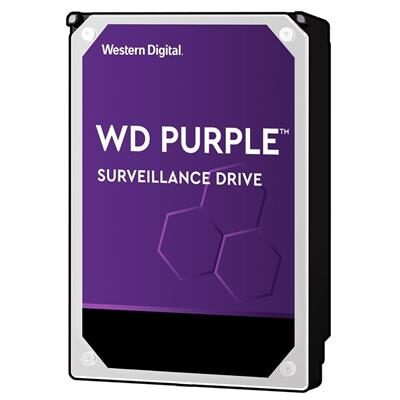
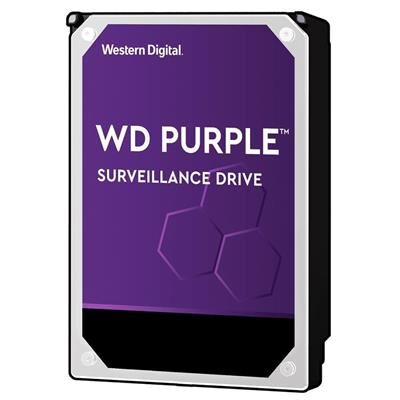
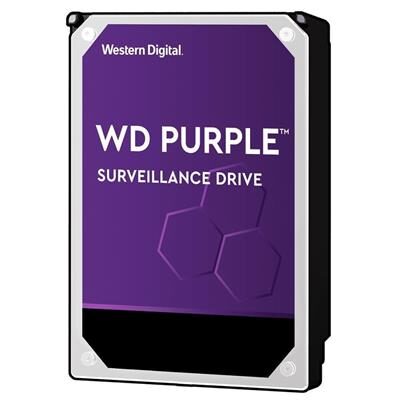
Western Digital is an American storage company, headquartered in San Jose, California, and has been making disk drives for decades. It is best known for hard drives, and its colour-coded families are aimed at different jobs: Blue for everyday computing, Black for performance and gaming, Red for network storage, and Purple for security camera recording.
When we build or upgrade a PC, a drive is one of the first things we think about. A hard drive is a sensible choice for a large, affordable store of photos, films and backups, while a solid state drive (SSD) makes Windows start and programs open much faster. Many of our builds use one of each: an SSD for the system and a hard drive for bulk storage.
When choosing a drive, start with what it will be used for rather than the name on the box. Think about how much space you need, whether your PC has a free slot or cable for it, and whether the drive is built for the job, such as a NAS or CCTV recorder. If you are unsure, ring us and we will help you pick.
They are families for different jobs. Blue is for everyday computing, Black is aimed at gaming and demanding work, Red is made for network storage (NAS), and Purple is made for security camera recording. Ring us if you are unsure which suits you.
An SSD makes a PC feel much quicker, so it is a good home for Windows and your programs. A hard drive costs less for each gigabyte, so it suits big collections of files and backups. Many PCs use both.
Most desktop PCs take a 3.5 inch hard drive, and laptops usually take 2.5 inch drives. The connection matters too. Tell us your PC or laptop model and we can check what fits before you buy.
Yes. We can fit parts bought from us, and we offer data transfer so your files move to the new drive. Old drives can also be wiped securely if you are getting rid of them. Ring 01905 673738 to discuss it.
The manufacturer's warranty applies, and the length depends on the particular drive, so check the product page or ask us. If something goes wrong, we can help you work out what to do next.
Not sure what fits, or want a PC built around Western Digital parts? Ring us on 01905 673738 for honest advice, or build your own PC and we check every part fits.